Docker Container with NGINX Front-End
SearXNG can also be deploy as a docker container, and access behind a NGINX container. You can learn more about docker installation method from the offical d
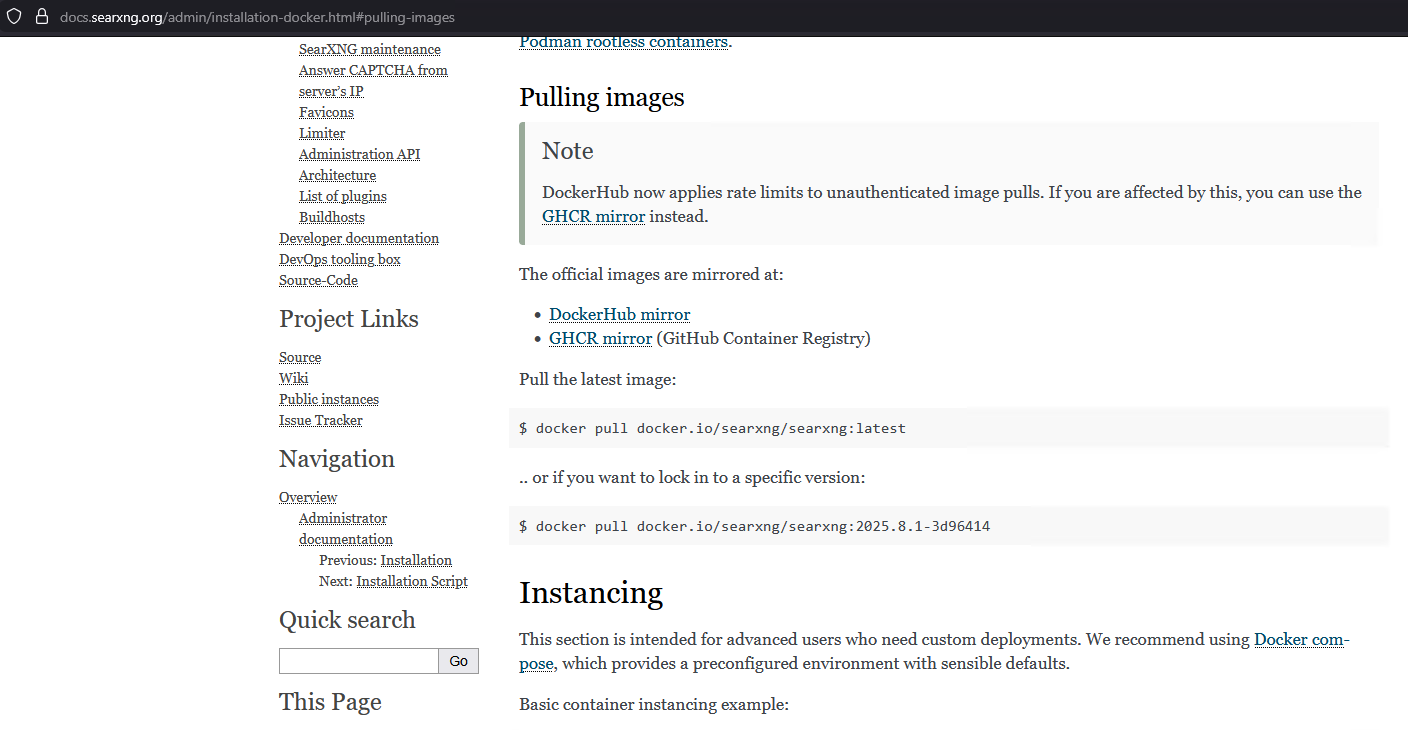
ocumentation page at https://docs.searxng.org/admin/installation-docker.html#pulling-images
First, make sure you have Docker Engine installed on the host. In this guide, I will be using Debian 13 as the host OS. If you don't have Docker Engine install yet, you can follow my guide at Install Docker Engine on Debian to get started.
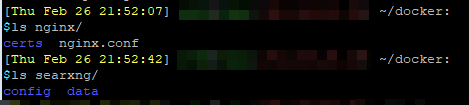
Inside the Docker folders, create two new folders for SearXNG and for NGINX.

Then inside the SearXNG folder, create two folders called config and data. Inside the NGINX folder, create a folder called certs. You will be adding your SSL certs to this folder for NGINX to reference.
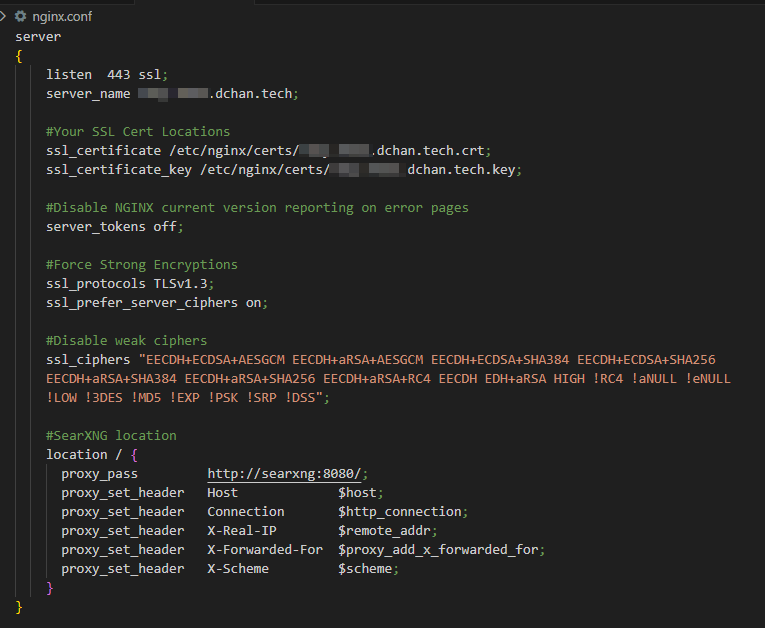
Create the following NGINX config file:
server
{
    listen  443 ssl;
    server_name your_domain.com;

    #Your SSL Cert Locations
    ssl_certificate /etc/nginx/certs/your_domain.com.crt;
    ssl_certificate_key /etc/nginx/certs/your_domain.com.key;

    #Disable NGINX current version reporting on error pages
    server_tokens off;

    #Force Strong Encryptions
    ssl_protocols	TLSv1.3;
    ssl_prefer_server_ciphers	on;

    #Disable weak ciphers
    ssl_ciphers "EECDH+ECDSA+AESGCM EECDH+aRSA+AESGCM EECDH+ECDSA+SHA384 EECDH+ECDSA+SHA256 EECDH+aRSA+SHA384 EECDH+aRSA+SHA256 EECDH+aRSA+RC4 EECDH EDH+aRSA HIGH !RC4 !aNULL !eNULL !LOW !3DES !MD5 !EXP !PSK !SRP !DSS";

    #SearXNG location. SearXNG Docker runs on port 8080 by default.
    location / {
      proxy_pass         http://searxng:8080/;
      proxy_set_header   Host             $host;
      proxy_set_header   Connection       $http_connection;
      proxy_set_header   X-Real-IP        $remote_addr;
      proxy_set_header   X-Forwarded-For  $proxy_add_x_forwarded_for;
      proxy_set_header   X-Scheme         $scheme;
    }
}
Use the following Docker Compose setup:
services:
  searxng:
    image: docker.io/searxng/searxng:latest
    container_name: searxng
    volumes:
      - ./searxng/config/:/etc/searxng/
      - ./searxng/data/:/var/cache/searxng/
    restart: unless-stopped

  nginx:
    image: nginx:stable
    container_name: nginx
    ports:
      - 443:443
    volumes:
      - ./nginx/nginx.conf:/etc/nginx/conf.d/nginx.conf
      - ./nginx/certs:/etc/nginx/certs
    restart: unless-stopped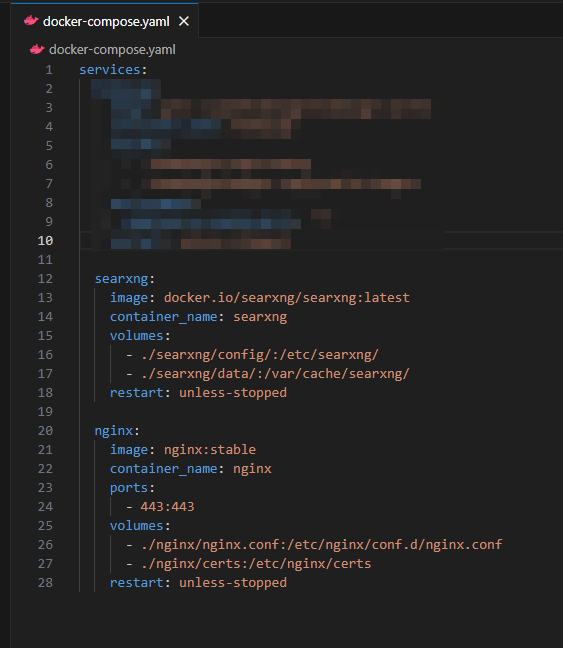
What we are doing here is expose the host OS's 443 to the NGINX container, to provide HTTPS/SSL termination, and have NGINX reverse proxy the SearXNG container that is on the default Docker Bridge Network. This gets around the common downside with Docker networking, where it does not respect the host OS's UFW firewall rules.
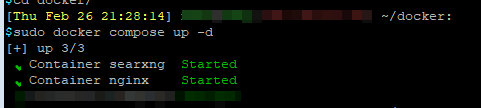
Once done, run docker compose up -d to start the containers. That's it!