
Graylog 6.2 Manual Installation on Debian 12
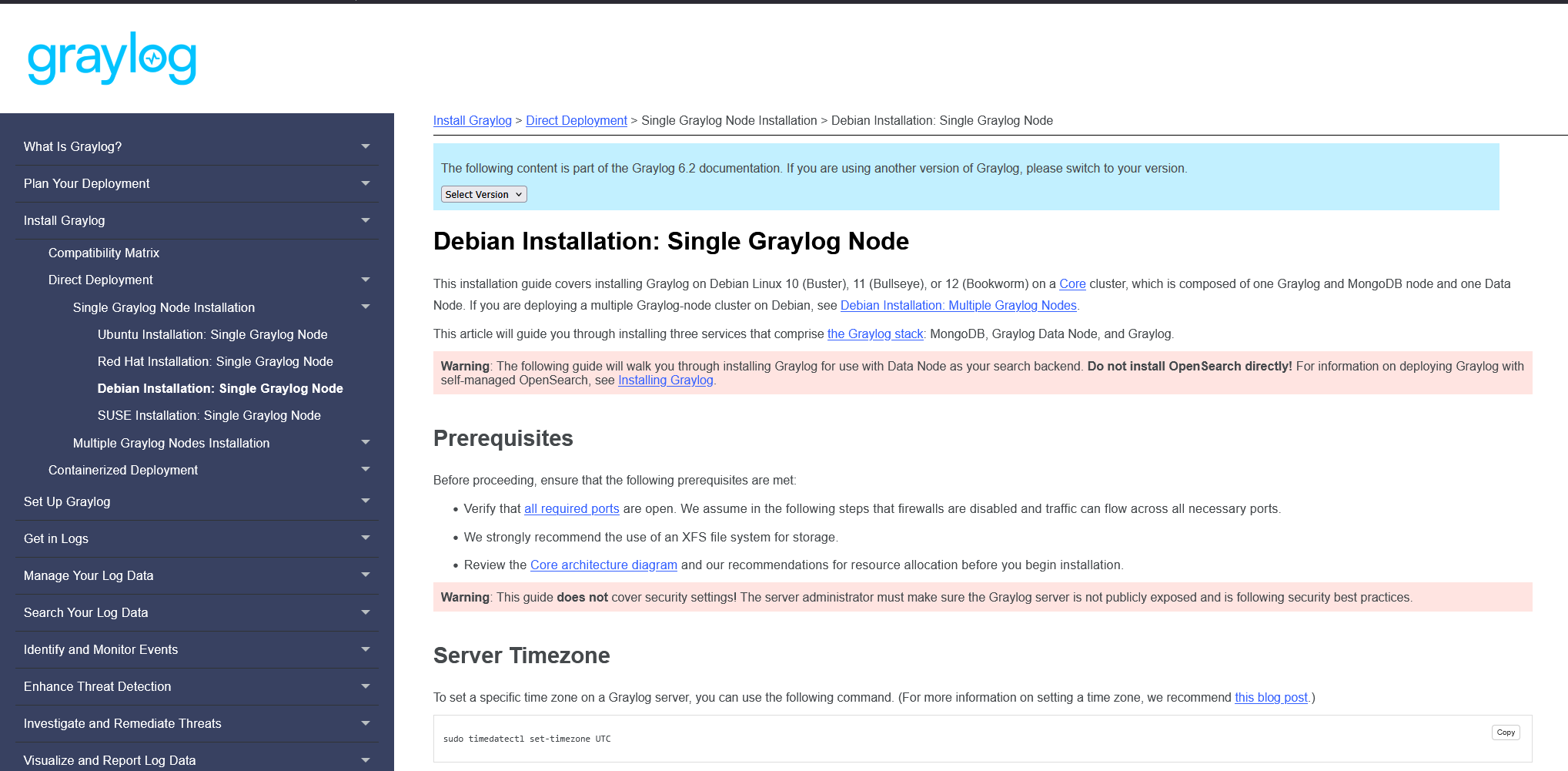
As of 2025-05-23, Graylog 6.2 is the latest version, and the manual installation process is very different from Graylog 5. You can refer to the official documentation at https://go2docs.graylog.org/current/downloading_and_installing_graylog/debian_installation.htm and follow along.
Install the Prerequisites for Debian 12 Minimal Installations
If you are using a Debian 12 minimal install, you will need to install the following packages first:
sudo apt install gnupg curl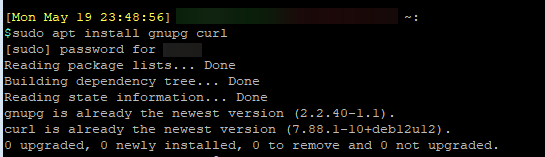
Install MongoDB
Graylog 6.2 requires MongoDB to run, and supports using MongoDB 7.0.
Import the MongoDB repository public key to Debian with the following commands:
curl -fsSL https://www.mongodb.org/static/pgp/server-7.0.asc | \
   sudo gpg -o /usr/share/keyrings/mongodb-server-7.0.gpg \
   --dearmor
Create a list file for MongoDB:
echo "deb [signed-by=/usr/share/keyrings/mongodb-server-7.0.gpg] https://repo.mongodb.org/apt/debian bookworm/mongodb-org/7.0 main" | sudo tee /etc/apt/sources.list.d/mongodb-org-7.0.list
Update the local package repository
sudo apt update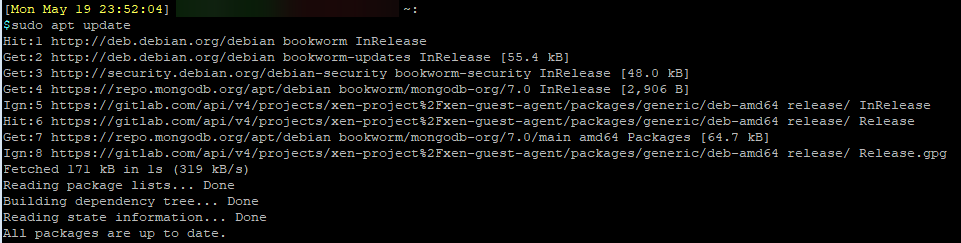
Install MongoDB
sudo apt install mongodb-org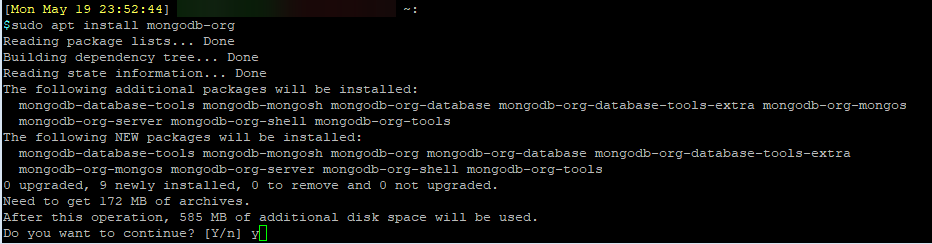
Check that MongoDB is installed, and the current version.
mongod --version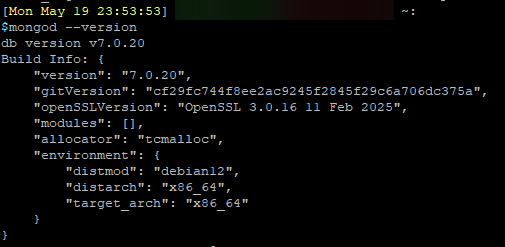
Because Graylog requires specific MongoDB version, which you can refer to their Compatibility Matrix to learn more, https://go2docs.graylog.org/current/downloading_and_installing_graylog/compatibility_matrix.htm, we should hold the current MongoDB version from being updated by our package manager.
sudo apt-mark hold mongodb-org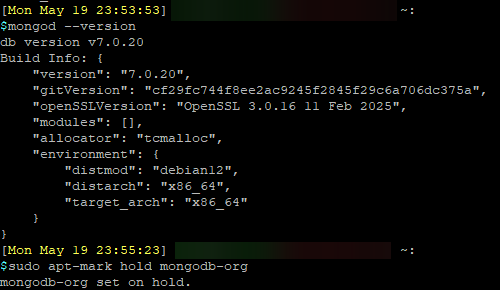
Edit the MongoDB config file at /etc/mongod.conf, to have MongoDB listen on any interfaces instead of just local host.
net:
  port: 27017
  bindIpAll: true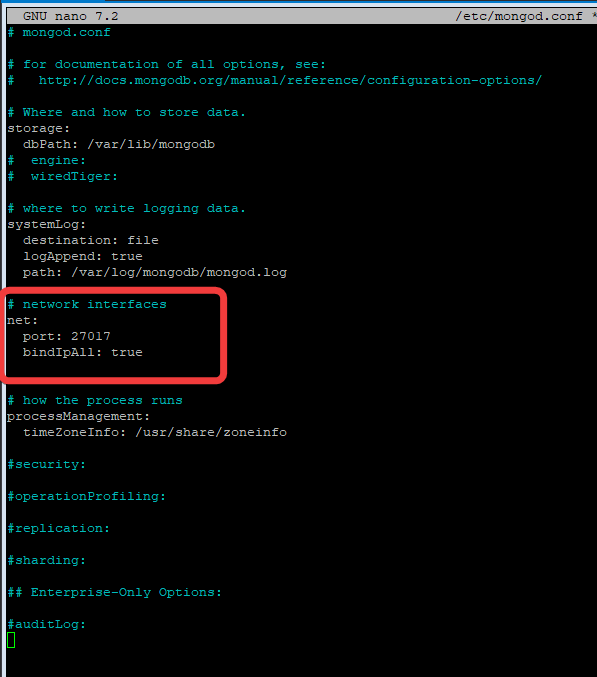
Reload and enable MongoDB to start at boot:
sudo systemctl daemon-reload
sudo systemctl enable mongod.service
sudo systemctl start mongod.service
Install Graylog Datanode
Graylog datanode is what handles the log injestions and processing. This installation process is new compared to Graylog 5.
Download the Graylog Datanode package repository:
wget https://packages.graylog2.org/repo/packages/graylog-6.2-repository_latest.deb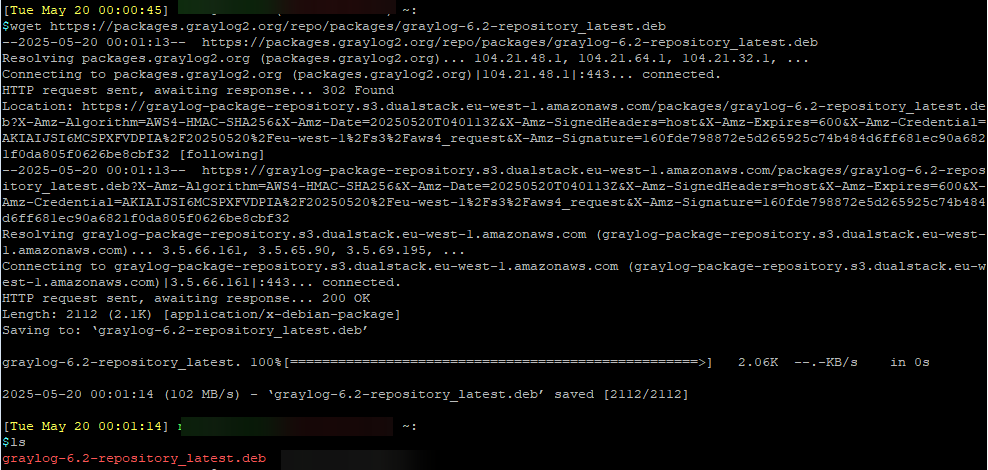
Install the Graylog Datanode repositroy, and update the package manager.
sudo dpkg -i graylog-6.2-repository_latest.deb
sudo apt update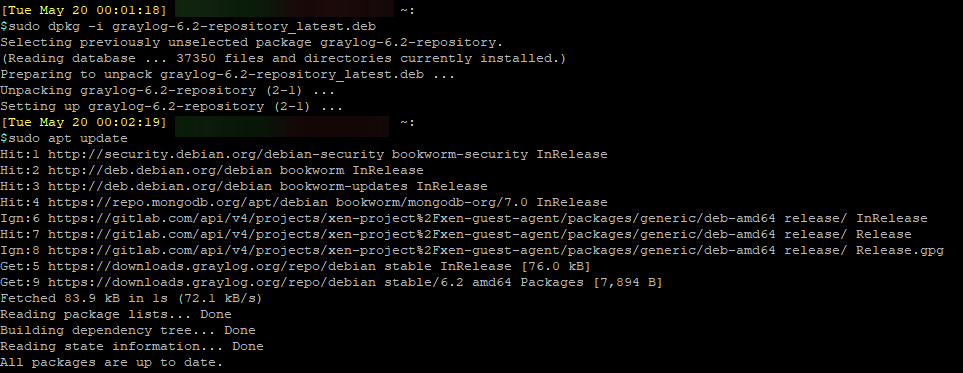
Install Graylog Datanode
sudo apt install graylog-datanode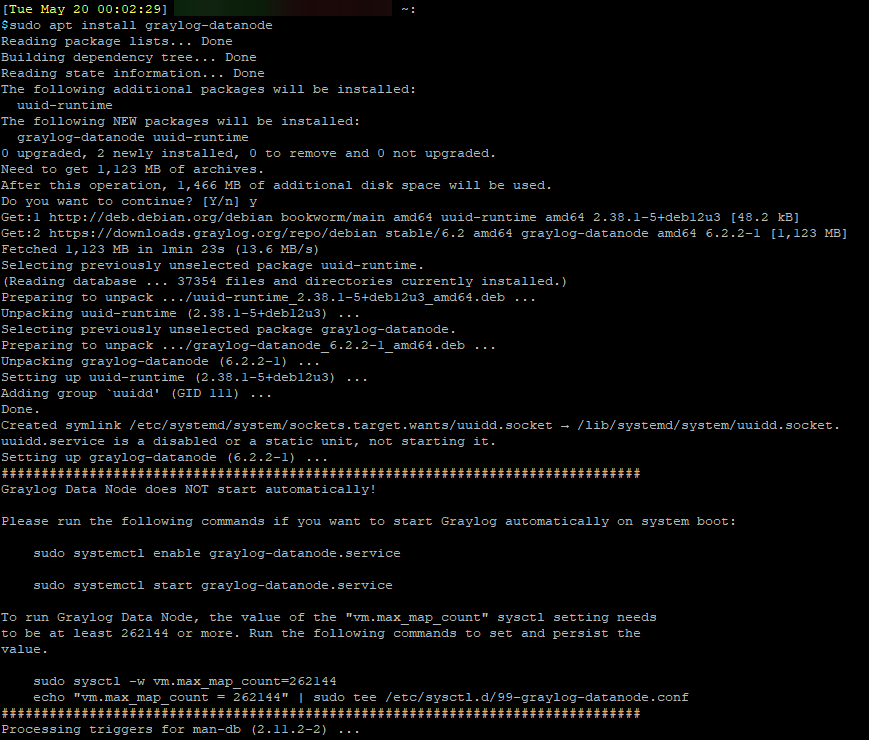
We need to ensure that vm.max_map_count is set to at least 262144. We can check the current value by running the following:
cat /proc/sys/vm/max_map_count
We can increase the value by running the following, and checking it again afterward:
echo 'vm.max_map_count=262144' | sudo tee -a /etc/sysctl.d/99-graylog-datanode.conf
sudo sysctl --system
cat /proc/sys/vm/max_map_count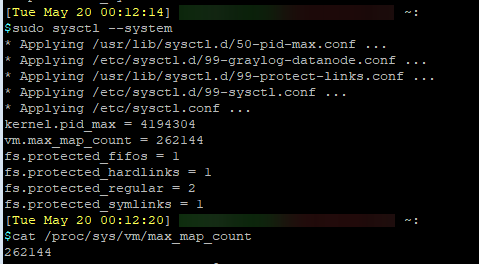
Generate a strong, randomize password secret. This is a value that you will use in the Graylog Datanode config.
You can use openssl to helo genetrate the password:
openssl rand -hex 32
Remember this password secret. You will be adding it to the Graylog Datanode config now, and then also add it to the Graylog server config file later.
Edit the Graylog Datanode file, and add the password secret in.
sudo nano /etc/graylog/datanode/datanode.conf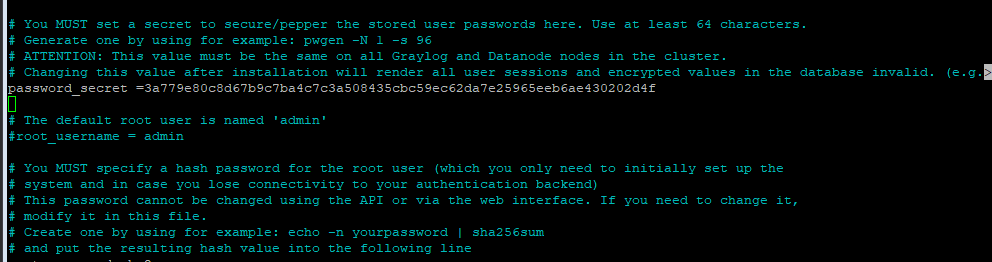
In the same file, at the very end, add the following and set the opensearch_heap value to be half of your system RAM, up to a max of 31GB.
opensearch_heap = 8g
Find and set the MongoDB url. Since MongoDB is on the same system as Graylog, the connection will be set for localhost.
mongodb_uri = mongodb://graylog01:27017/graylog
Save the config file.
Reload and start Graylog Datanode
sudo systemctl daemon-reload
sudo systemctl enable graylog-datanode.service
sudo systemctl start graylog-datanode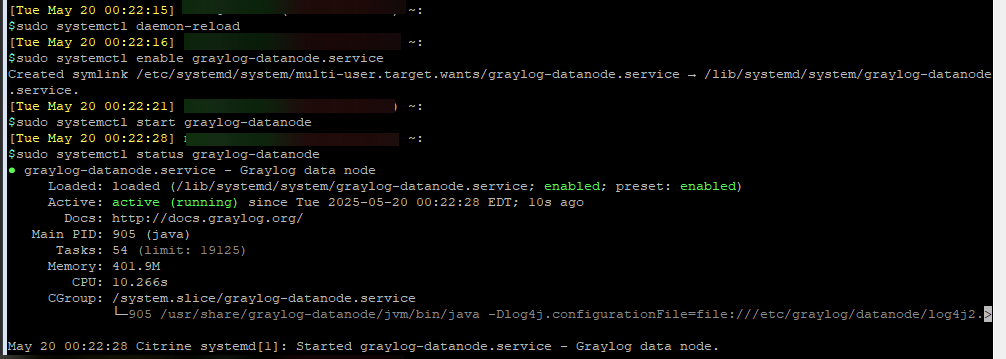
Install Graylog Open